Tag: laptops

  • Why the Dell XPS 13 9310 Remains a Smart Buy in 2024

    Why the Dell XPS 13 9310 Remains a Smart Buy in 2024

    In 2024, the dell xps 13 9310 stands out for one practical reason: it launched at around $1,299, but refurbished models regularly turn up for $400 to $600. That’s a serious drop for a machine that still holds up well. With the right specs, the 9310 handles daily tasks without complaint, which makes it genuinely interesting if you’re watching your budget.

    The 9310 runs on an 11th-gen Intel Core i7-1185G7, and honestly it’s more capable than people give it credit for. Multitasking, light gaming, the occasional heavy spreadsheet — it manages all of it. And the design is compact enough that carrying it around doesn’t feel like a chore.

    What the 9310 Actually Offers

    The 13.4-inch InfinityEdge display is probably what most people notice first. You get two resolution options: 1920×1200 or 3840×2400, and the 4K panel is genuinely sharp if you do any creative work or watch a lot of video. The colors are vivid without looking artificially boosted. When I set this up for the first time, the screen was the thing I kept coming back to.

    Build quality is solid too. It weighs 2.73 lbs (1.24 kg), which sounds like a spec but feels meaningful after carrying it around all day. The aluminum chassis and carbon fiber palm rests make it feel like something that cost considerably more than $500 used.

    Performance and Battery in Real Use

    The i7-1185G7 uses Intel’s Tiger Lake architecture, which brings Iris Xe integrated graphics along for the ride. So you’re not stuck with the bare-minimum graphics experience you’d expect from a thin laptop. Light photo editing and video calls run without drama, and I’ve never had it choke on a browser with thirty tabs open (though that’s probably too many tabs regardless).

    Battery life is where the 9310 genuinely earns its keep. The 52Whr battery is rated for over 12 hours, and from what I’ve seen that holds up reasonably well under normal use — browsing, document work, streaming. A full day without hunting for an outlet is realistic, which isn’t something you can say about every machine in this price range.

    Buying a 9310 Today

    Refurbished units sit comfortably in the $400 to $600 range right now. That’s where most of the value is, and it’s hard to argue with that price given what you’re getting. But not all refurbished listings are equal, and that’s worth taking seriously before you click buy.

    Look for sellers who offer at least a 30-day return window and some kind of inspection guarantee. Check the RAM and storage specs carefully — the 9310 came in configurations from 8GB RAM with 256GB storage up to 32GB RAM with a 2TB SSD, and a poorly specced unit at $400 is a worse deal than a well-specced one at $550. One admitted downside: you probably can’t upgrade the RAM after purchase, since it’s soldered to the board, so get it right the first time.

    The dell xps 13 9310 is still a smart pick in 2024. Strong performance, a display most competitors can’t touch at this price, and battery life that actually gets you through the day.

    FAQs

    Is the Dell XPS 13 9310 still worth buying in 2024?

    Yes, especially as a refurbished unit. The i7-1185G7 holds up for everyday work, and the display and build quality remain genuinely competitive at the $400-$600 price point.

    What RAM and storage options does the XPS 13 9310 have?

    Configurations range from 8GB RAM with 256GB SSD up to 32GB RAM with 2TB SSD. Check the listing carefully — RAM can’t be upgraded after purchase.

    How long does the XPS 13 9310 battery last?

    The 52Whr battery is rated for over 12 hours. In typical daily use, a full workday without charging is realistic.
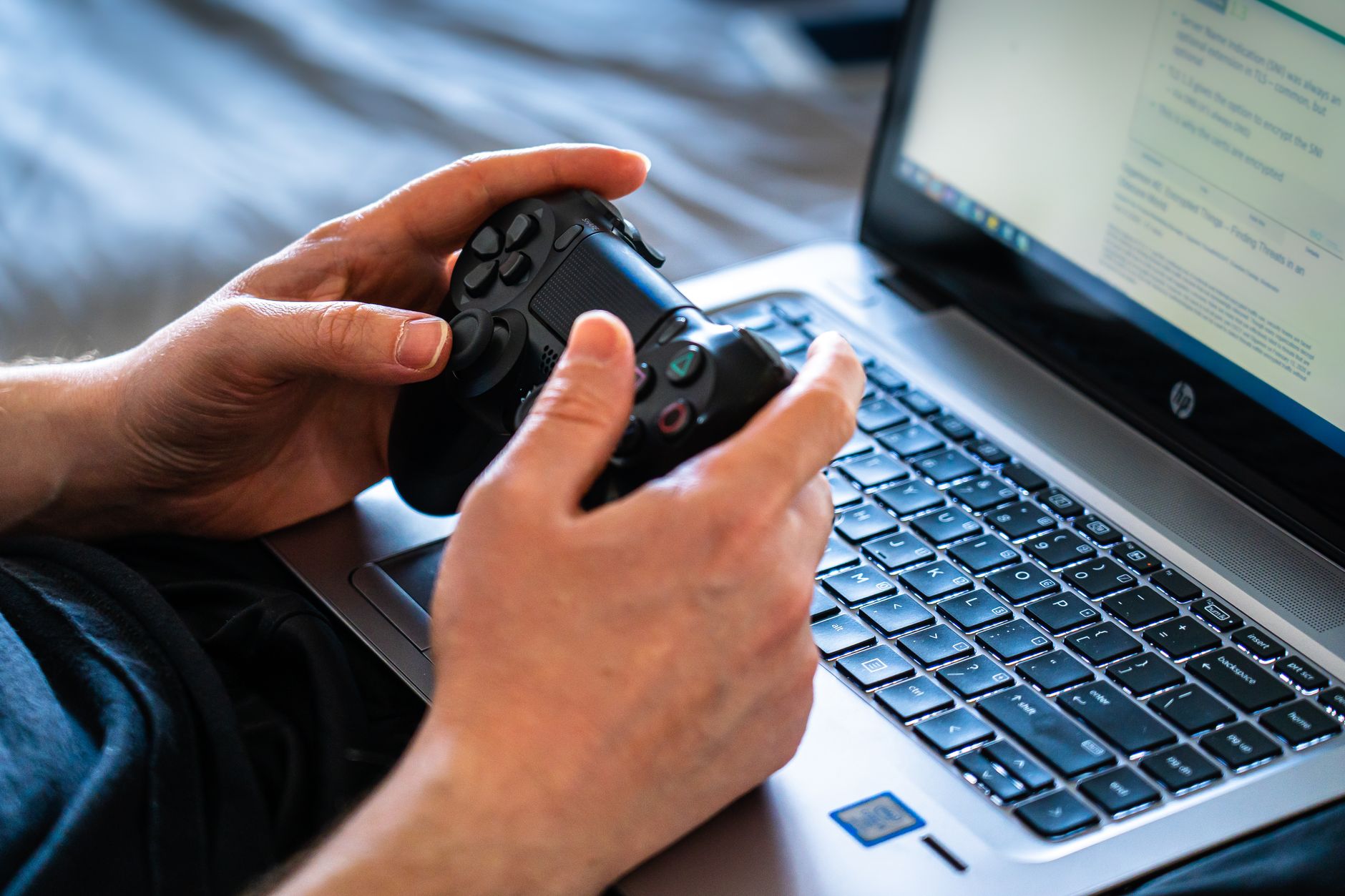
  • Budget Gaming Laptop Secrets for 2024 Under $600

    Budget Gaming Laptop Secrets for 2024 Under $600

    Gaming laptops have changed a lot in the past few years. You can now grab a decent machine for under $600, and some of them handle modern titles at settings that would’ve seemed impossible not long ago. With the right choices, you don’t have to break the bank to actually enjoy gaming.
    But knowing which specs matter and which ones you can ignore is half the battle. So in this guide, I’ll break down what to look for, compare a few popular models, and help you avoid the usual traps people fall into when buying a budget gaming laptop.

    What Budget Gaming Actually Buys

    At this price level, you’re mostly looking at machines like the Acer Nitro V and Lenovo IdeaPad Gaming 3 from 2024. They typically ship with either a GTX 1650 or an RTX 3050, and those two cards aren’t even close to the same thing. The GTX 1650 handles older titles fine, but the RTX 3050 is noticeably smoother with anything released in the last couple of years. The price gap between the two configurations usually runs about $100, and in my experience that extra spend is worth it.
    Refresh rate is another thing worth paying attention to. Most budget gaming laptops default to 60Hz, but some push up to 144Hz. Honestly, 144Hz matters most if you’re playing fast competitive shooters; for RPGs or open-world games, 60Hz is fine. Just don’t sacrifice the GPU to get the nicer display.
    Resolution-wise, 1080p is the right call here. Going lower gives you a performance bump you probably won’t need, and going higher will push the GPU past what it can comfortably handle.

    GPU and RAM: What Actually Matters

    When shopping for a budget gaming laptop, I’d focus almost entirely on two things: the GPU and RAM. The GPU drives everything visual. Aim for at least an RTX 3050, because the GTX 1650, while adequate for lighter games, starts to choke on anything demanding.
    RAM is the second thing I’d check immediately. Most budget models ship with 8GB, which squeaks by for casual gaming. But 16GB is quickly becoming the baseline for newer releases, especially if you leave a browser open while you play. Going from 8GB to 16GB can make a real difference in how the system feels day-to-day.
    One thing I’ll admit I underestimated when I first started looking at this category: cooling. Thermal throttling can tank performance badly in budget laptops because the cooling systems are usually minimal. Always check reviews for thermal behavior before committing to a purchase.

    Best Sub-$600 Picks Right Now

    If you’re shopping now, these three are worth a serious look:

    1. Acer Nitro V — RTX 3050, 8GB RAM (upgradeable to 16GB), 144Hz display, around $550
    2. Lenovo IdeaPad Gaming 3 — GTX 1650, 8GB RAM (upgradeable to 16GB), 60Hz display, around $500
    3. HP Pavilion Gaming Laptop — GTX 1650, 16GB RAM, 60Hz display, around $580

    The Nitro V is probably the strongest all-around pick, though I’d bump the RAM to 16GB pretty quickly after buying it. The HP Pavilion trades a weaker GPU for more RAM out of the box, which suits people who multitask heavily. And the IdeaPad Gaming 3 is fine if $500 is genuinely your ceiling.
    Check for seasonal sales. Around Black Friday and back-to-school season, these machines regularly drop $50 to $80, which opens up options you couldn’t otherwise afford.

    Making the Most of Your Budget Gaming Laptop

    Once you’ve got the machine, a few habits will keep it running well. Bump your RAM to 16GB if it shipped with 8GB (most of these allow it, and RAM is cheap). Keep the vents clear and consider a laptop cooling pad if you’re gaming for long sessions. And spend ten minutes in each game’s graphics settings to find the balance between frame rate and visuals that works for your GPU.
    A budget gaming laptop isn’t going to run everything on ultra at 144 frames. But with sensible settings and the right hardware choices going in, it’ll hold up better than most people expect.

    FAQs

    Is 8GB RAM enough for a budget gaming laptop?

    It gets by for casual gaming, but 16GB handles modern titles and multitasking much more comfortably.

    What GPU should a budget gaming laptop have in 2024?

    Aim for at least an RTX 3050; the GTX 1650 works for lighter games but struggles with newer releases.

    Can a budget gaming laptop run AAA games?

    Yes, especially with an RTX 3050, though you’ll likely need to dial down settings to keep frame rates reasonable.

  • Best Touch Screen Laptops for 2023 That Balance Cost and Features

    Best Touch Screen Laptops for 2023 That Balance Cost and Features

    Touch screen laptops have really taken off in recent years, changing how we connect with our devices. When I first explored this, I learned that adding a touch screen can bump up the average cost by about $100 to $200. It’s a worthy investment if the added functionality fits your needs, but for some users, sticking with a standard clamshell design might just do the trick.
    When you’re looking for a touch screen laptop, it’s crucial to weigh the trade-offs, like form factor, display quality, and battery life. In this guide, I’ll break down the options for 2023, highlighting the best touch screen laptops and when splurging makes sense.

    When Touch Adds Real Value

    Touch screens can really elevate your experience, especially for creatives, students, or anyone who thrives on interaction. I’ve seen how the flexibility of a 2-in-1 laptop caters to both tablet and traditional users, which is great for multitasking.
    Stylus compatibility can greatly boost productivity. There are two main styles of stylus technology: active EMR and Wacom AES. Each one gives you different responsiveness levels. For example, if you’re sketching or jotting down notes, an active EMR stylus might be your best shot for accuracy.
    On the practical side, touch-enabled screens typically feature 60Hz or 120Hz refresh rates. The 120Hz screens make scrolling and animations smoother, ideal for gaming or watching videos. Just a heads up, though—higher refresh rates can come with a price tag.
    Battery life can often be a concern with touch screen laptops. I’ve noticed that using touch features can increase battery drain by about 10–15%. If you’re constantly on the move, you’ll want to balance usability with battery performance.

    Top Touch Screen Laptops Compared

    Here’s a quick look at some of the best touch screen laptops for 2023:

    Model Price Form Factor Refresh Rate Stylus Compatibility
    Microsoft Surface Pro 10 From $1,099 2-in-1 120Hz Active EMR
    Lenovo IdeaPad Flex 5 Around $600 2-in-1 60Hz Wacom AES
    Dell XPS 13 2-in-1 From $1,249 2-in-1 120Hz Active EMR

    These models offer a variety of options based on your budget and performance needs. The Microsoft Surface Pro 10 is a favorite for its versatility and display quality, starting at $1,099. If you’re looking for something more budget-friendly, the Lenovo IdeaPad Flex 5 at about $600 is perfect for casual use. Meanwhile, the Dell XPS 13 2-in-1 shines with high specs, but it begins at a higher price.
    When you’re pondering which laptop to choose, think about how you’ll use it. A stylus can be a handy tool for design work or note-taking. If that’s important to you, a model that offers stylus support is worth considering.

    Choosing the Right Touch Laptop

    The choice between a 2-in-1 and a clamshell design is key. If your primary use involves lots of typing and less interaction, a clamshell may fit your needs. However, if you plan to draw, take handwritten notes, or make gestures, a 2-in-1 gives you more flexibility.
    Windows 11 has ramped up touch gesture support, making interactions feel more natural. If you’re opting for a touch screen laptop, this could really boost your experience and productivity.
    Consider your personal preferences and whether the extra cost is justified. Does the added versatility make sense for you, especially with potential battery impacts and price differences? Evaluating your specific needs will make it easier to decide.

    FAQs

    Do touch screen laptops drain battery faster?

    Yes, touch screen laptops usually use about 10-15% more battery than non-touch models due to the extra features.

    Is a 2-in-1 or clamshell better for touch use?

    A 2-in-1 typically offers a better touch experience because its design supports both tablet and regular laptop modes, enhancing usability.

    Are touch screen laptops worth the extra cost?

    Whether touch screen laptops are worth the price depends on how you plan to use them. If you enjoy the interactivity and versatility, it can be a smart investment.